How to Build a Professional AI Photoshoot
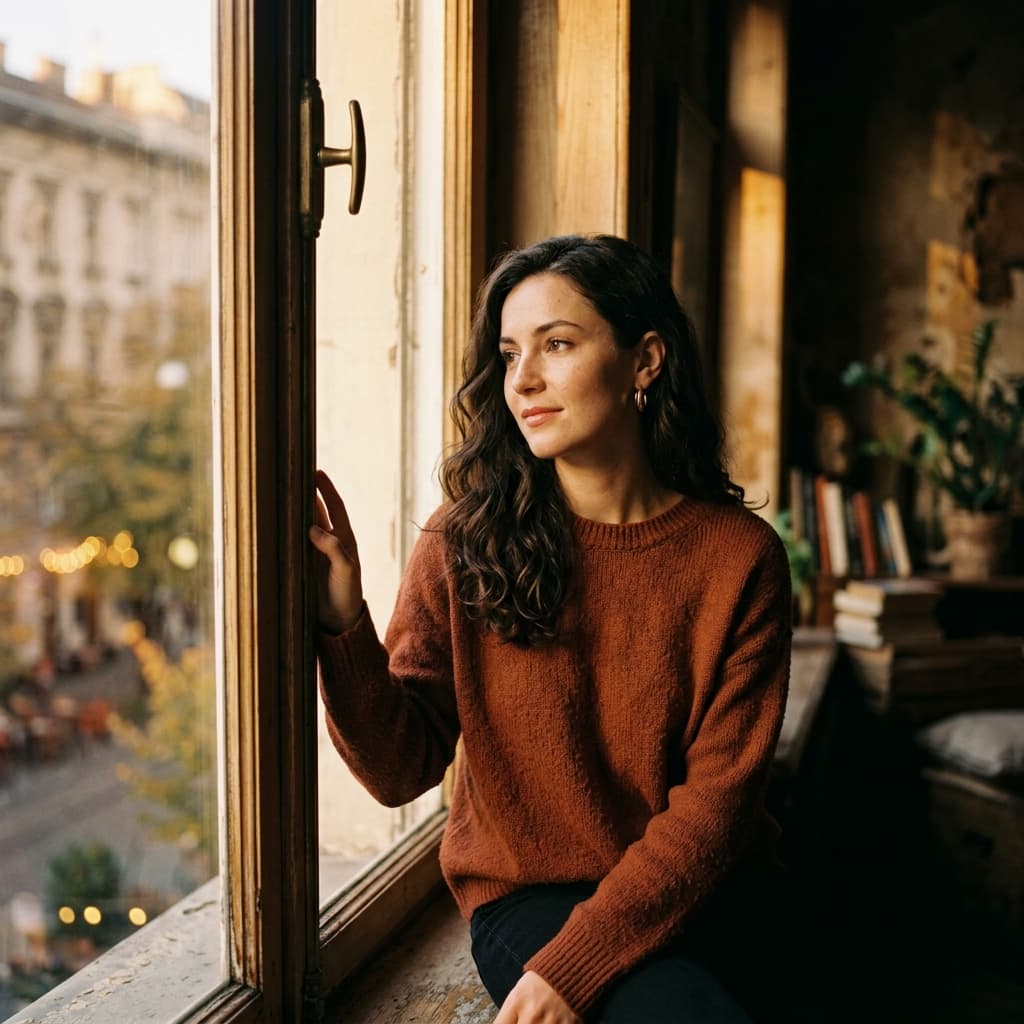
Cohesion is Hard
The hardest thing to do in AI image generation isn't making one beautiful image. It's making 10 beautiful images that look like they belong to the same advertising campaign or magazine spread.
Character Reference --cref
If you're using Midjourney v6, the Character Reference parameter is your best friend. Generate your "Hero" portrait first. Then, use that image's URL with --cref [URL] to ensure the subject’s face remains identical across different poses and environments.
Seed Locking
Using a constant --seed value helps stabilize the artistic style, noise pattern, and overall color science across multiple prompt variations.
The Prompt Matrix
To build a photoshoot, use the exact same lighting, camera, and style keywords, and ONLY change the pose, subject action, or lens. Example: Image 1: Wide shot 35mm, woman standing by window Image 2: Close up 85mm, woman looking over shoulder By keeping the environment and lighting constant, the images will feel inherently linked.
Start building your campaign with the SnapPrompt Generator.
Ready to test these techniques?
Skip the guesswork and start generating professional 1:1 photorealistic portraits using our exact modifier formulas.