Back to Journal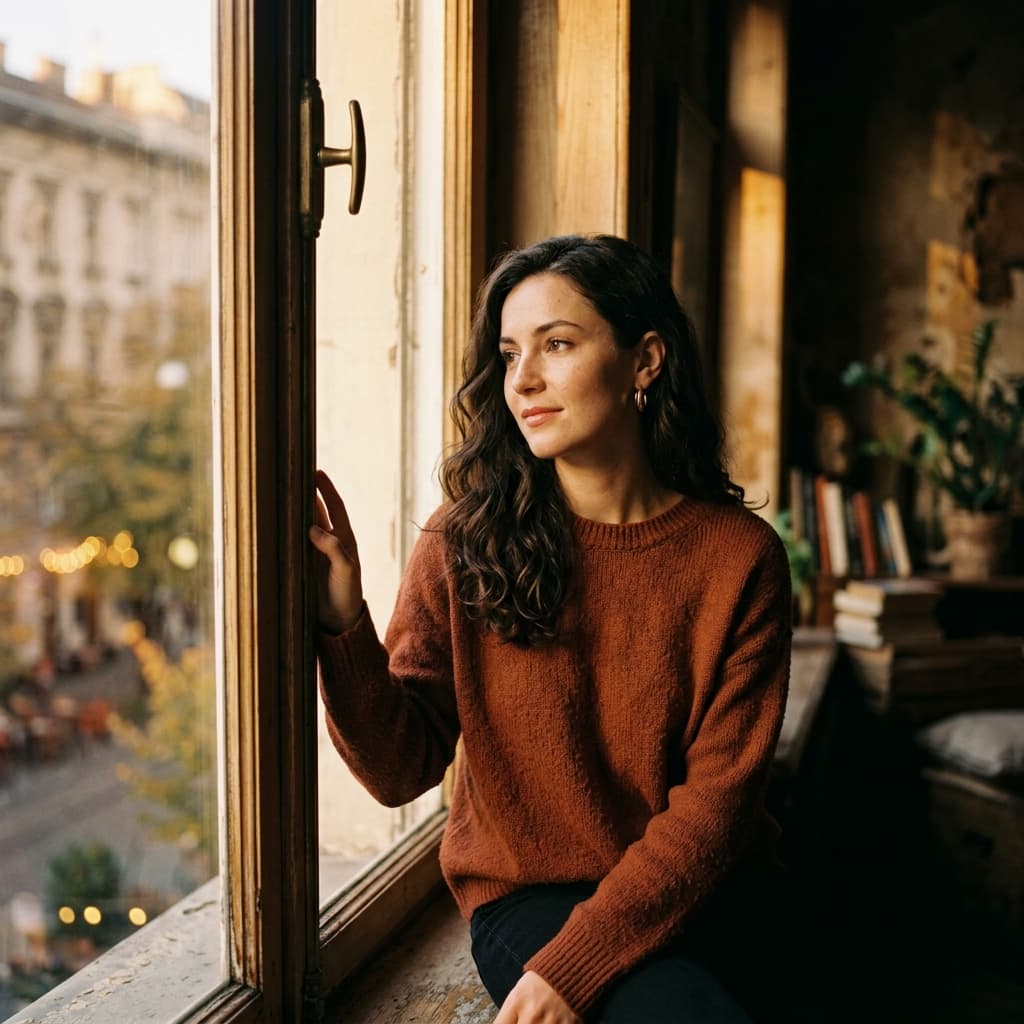
Masterclass 6 min read
How to Create Cinematic AI Portraits: Lighting & Composition
SnapPrompt Architect
Apr 18, 2026Defining "Cinematic"
"Cinematic" is an overused buzzword in AI prompting. To truly achieve a cinematic look, you must understand the technical elements that make a movie still feel dramatic and cohesive: Color, Lighting, and Aspect Ratio.
1. Aspect Ratio is Key
Movies aren't square. If you want a cinematic look, immediately change your aspect ratio. Use --ar 16:9, --ar 21:9, or --ar 2.35:1 to force a widescreen anamorphic feel.
2. Color Grading Profiles
Instead of saying "make it look cool", specify exact cinematic color palettes:
- Teal and Orange: The Hollywood standard. Contrasts warm skin tones against cool shadows.
- Neo-Noir / Cyberpunk: Deep blacks, neon magentas, and cyan highlights.
- Muted Earth Tones: For gritty, post-apocalyptic or historical realism.
3. Lighting Directions
- Rim Lighting: Placing a harsh light behind the subject to create a glowing outline.
- Volumetric Lighting: The technical term for "god rays" or light beams cutting through smoke/fog.
- Chiaroscuro: Extreme contrast between light and dark to create deep drama.
Explore our Cinematic Combos to see these effects in action!
Ready to test these techniques?
Skip the guesswork and start generating professional 1:1 photorealistic portraits using our exact modifier formulas.